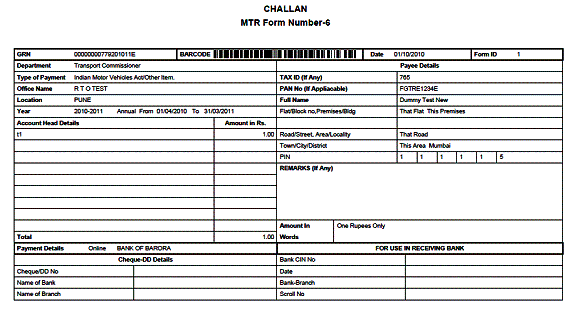
After click on GRN Link following e - Payment Challan will open in pdf
format.
(See the following Screen and go through Instructions)
e - Payment Challan
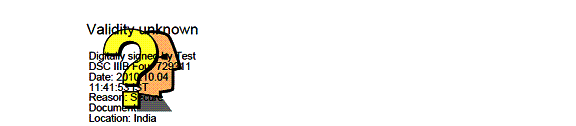
Right Click on digitally Signed symbol
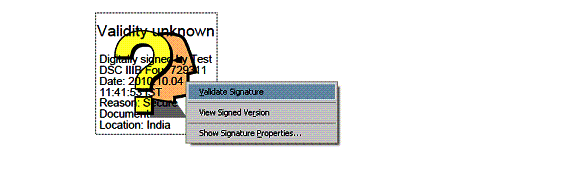
Click on Signature Properties... Button
Signature Properties
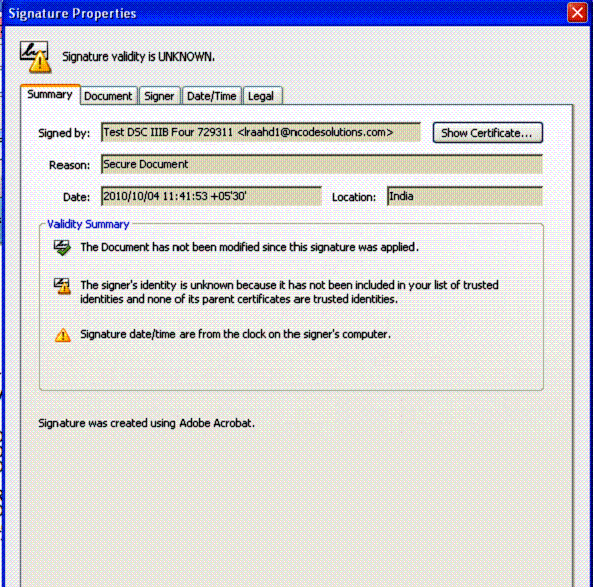

Click on Show Cerificate Button
Certificate Viewer Popup will
open
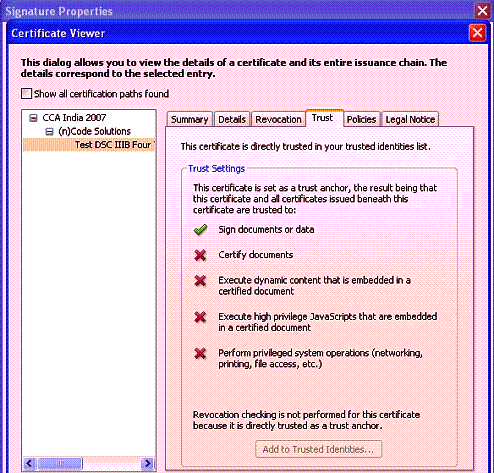
Certificate Viewer
Choose Trust tab
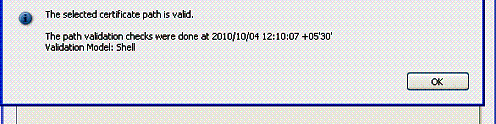
Click on Ok Button
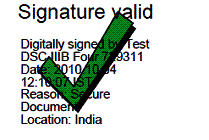
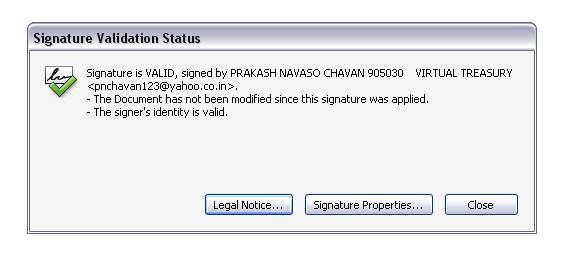
See the above Signature Valid Mark.